Scheduling posts works via the calendar on the right when you write a post. There's no way of manually entering a date for a post as far as I can see – one of the reasons I still use the old interface, since I like to schedule posts in 2050 or so to keep them on top of the pile.
I see that, but last night when I put in today's date (which was tomorrow at the time) and a time, I then clicked "publish", and the post went ahead and published right then and there. On the old interface, you choose a time and click publish and the post doesn't appear until the set time. So I saved it as a Draft and set a time, and it didn't appear as scheduled then, either.
OK, for some reason, Blogger is using its server time (Pacific time zone) to decide when to publish scheduled posts, as opposed to the time I have specified in my settings (Eastern time zone). That's part of what's screwing things up.
Comments are closed.
Greetings, Programs!
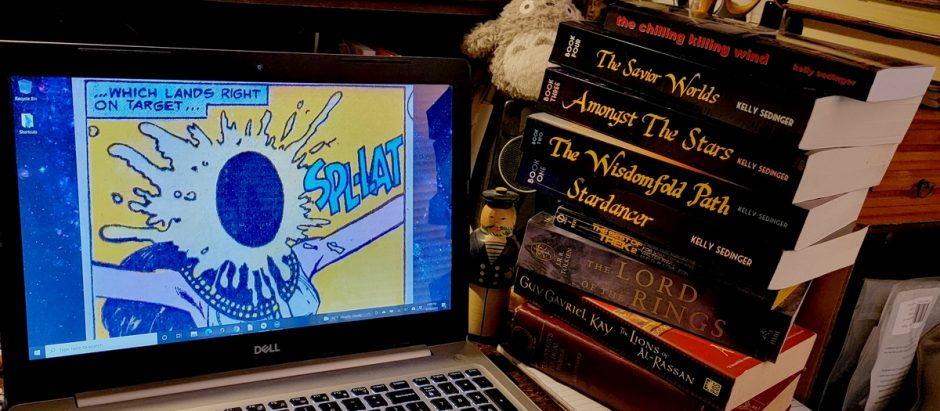
Welcome to my outpost on the Interweb! I write SF, fantasy, and horror for fun and profit.
Other interests include music, nature, science, humor, food, bib overalls, and pie throwing (metaphorically AND literally).


Scheduling posts works via the calendar on the right when you write a post. There's no way of manually entering a date for a post as far as I can see – one of the reasons I still use the old interface, since I like to schedule posts in 2050 or so to keep them on top of the pile.
I see that, but last night when I put in today's date (which was tomorrow at the time) and a time, I then clicked "publish", and the post went ahead and published right then and there. On the old interface, you choose a time and click publish and the post doesn't appear until the set time. So I saved it as a Draft and set a time, and it didn't appear as scheduled then, either.
Hm, it seems to work for me (scheduling and then publishing). I'll let you know later if my test post was published as planned.
OK, for some reason, Blogger is using its server time (Pacific time zone) to decide when to publish scheduled posts, as opposed to the time I have specified in my settings (Eastern time zone). That's part of what's screwing things up.